Title here
Summary here
The easy way to containerize your AI agents.
Get StartedAbyss is an orchestrator for running agents in containers.
You configure your editor like a normal ACP agent, and Abyss handles everything Docker for you.
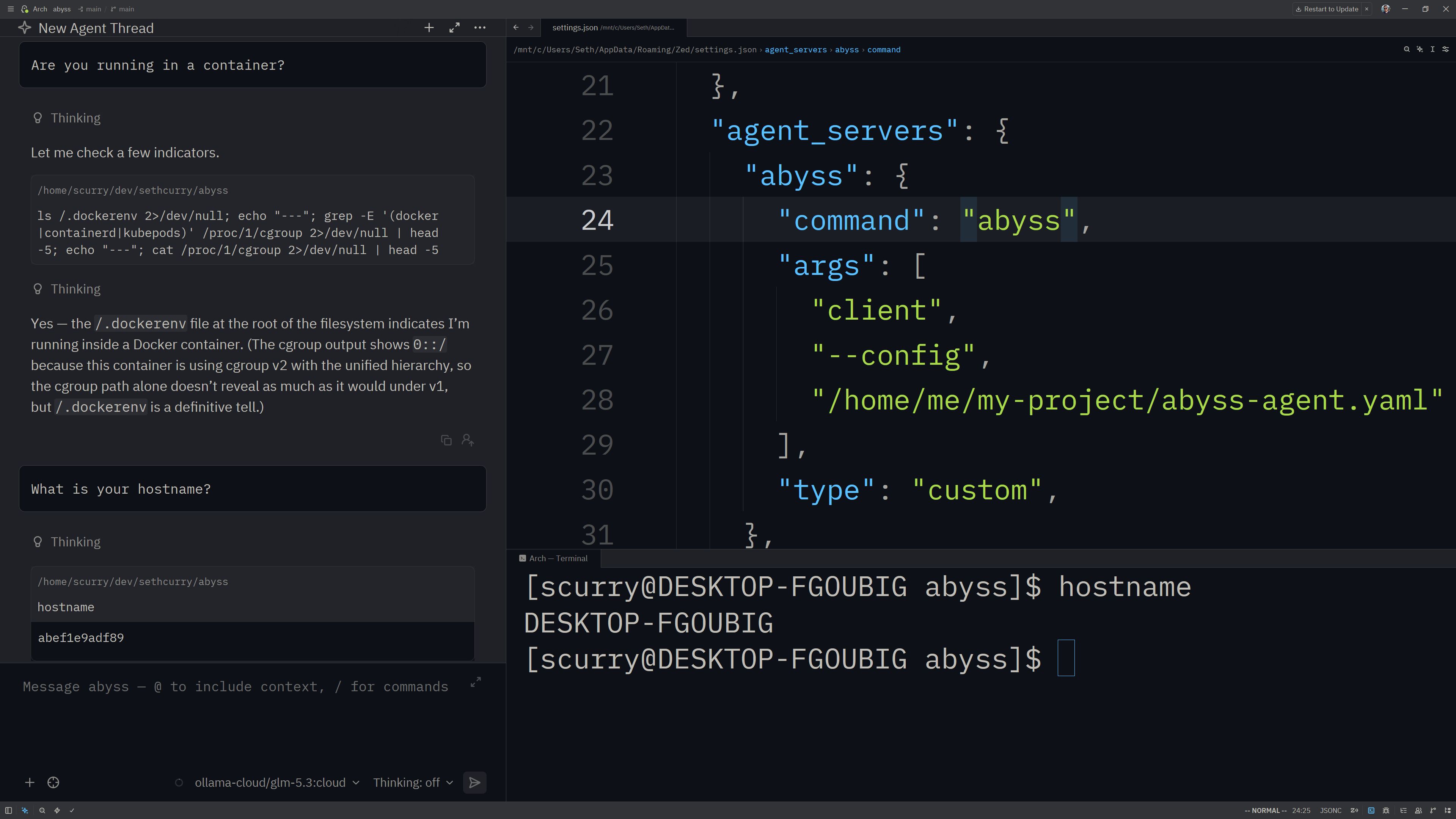
docker:
          # This is a pre-built image with Abyss and Pi pre-installed
          image: "ghcr.io/sethcurry/abyss-pi:latest"

          # Abyss speaks ACP, so we invoke Pi via pi-acp
          agent_command:
            - pi-acp

        host_mounts:
          # This mounts the current directory inside the container.
          # It doesn't take a target path because ACP sends a `cwd`
          # so we need the paths to line up between the host and
          # container
          - source: "./"

          # This mounts your .pi directory so that the agent has
          # API keys for your LLM, prior sessions, plugins, etc.
          #
          # You can put this in the `copy_files` config section
          # which will prevent the LLM from modifying your config files
          # but your sessions won't end up on your host PC so the session
          # files are lost when the container gets deleted.
          - source: "~/.pi"
            destination: "/root/.pi"
Works with any ACP client you want!
A purpose-built runtime for agents, not a general-purpose container tool you have to bend into one.
| Abyss | Docker Compose | Docker Agent | Regular ACP | |
|---|---|---|---|---|
| Agent-Agnostic | ✓ | ✓ | — | ✓ |
| Native ACP Support | ✓ | — | ✓ | ✓ |
| Containerization | ✓ | ✓ | ✓ | — |
| ACP Middleware Plugins | ✓ | — | — | — |
| Startup scripts & provisioning | ✓ | Manual | — | — |
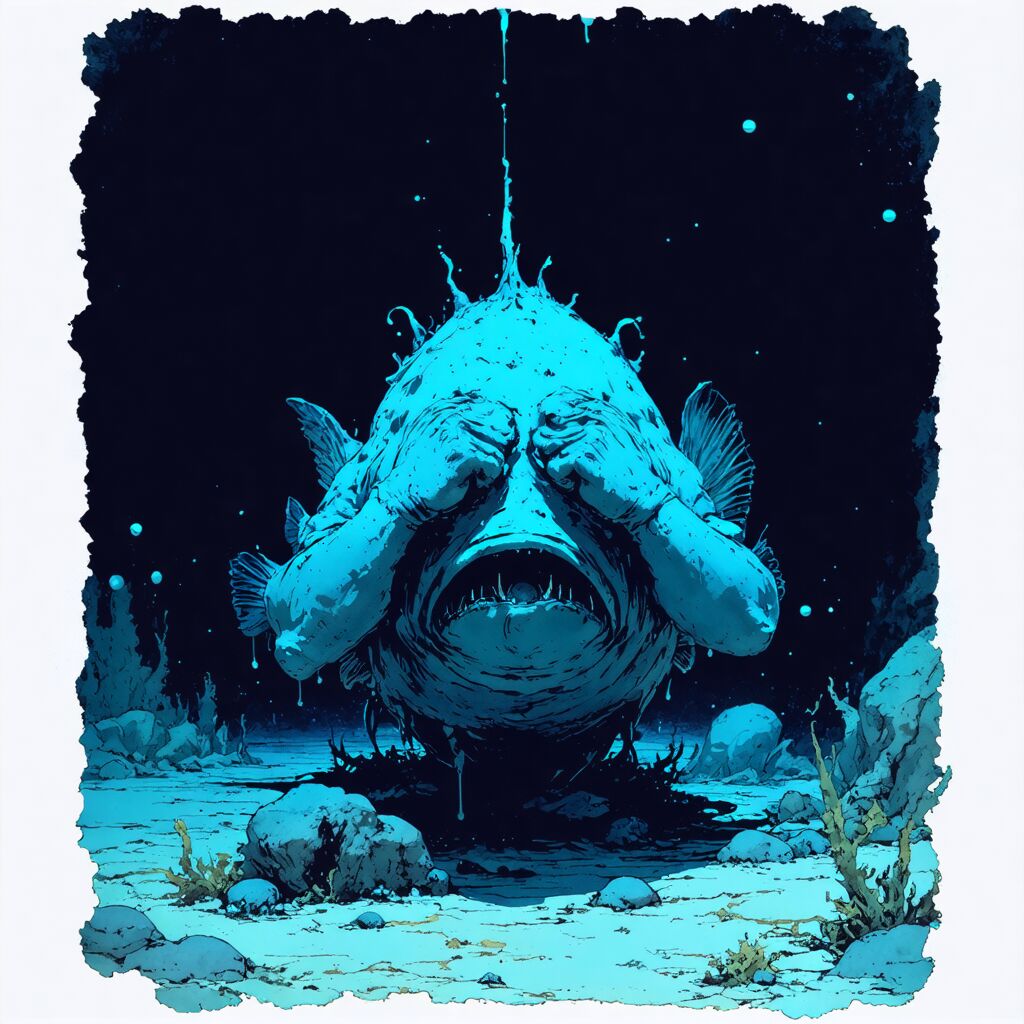
Your secrets stay secret. Abyss keeps your agent in the dark until you explicitly shine a light on something — nothing is visible by default.
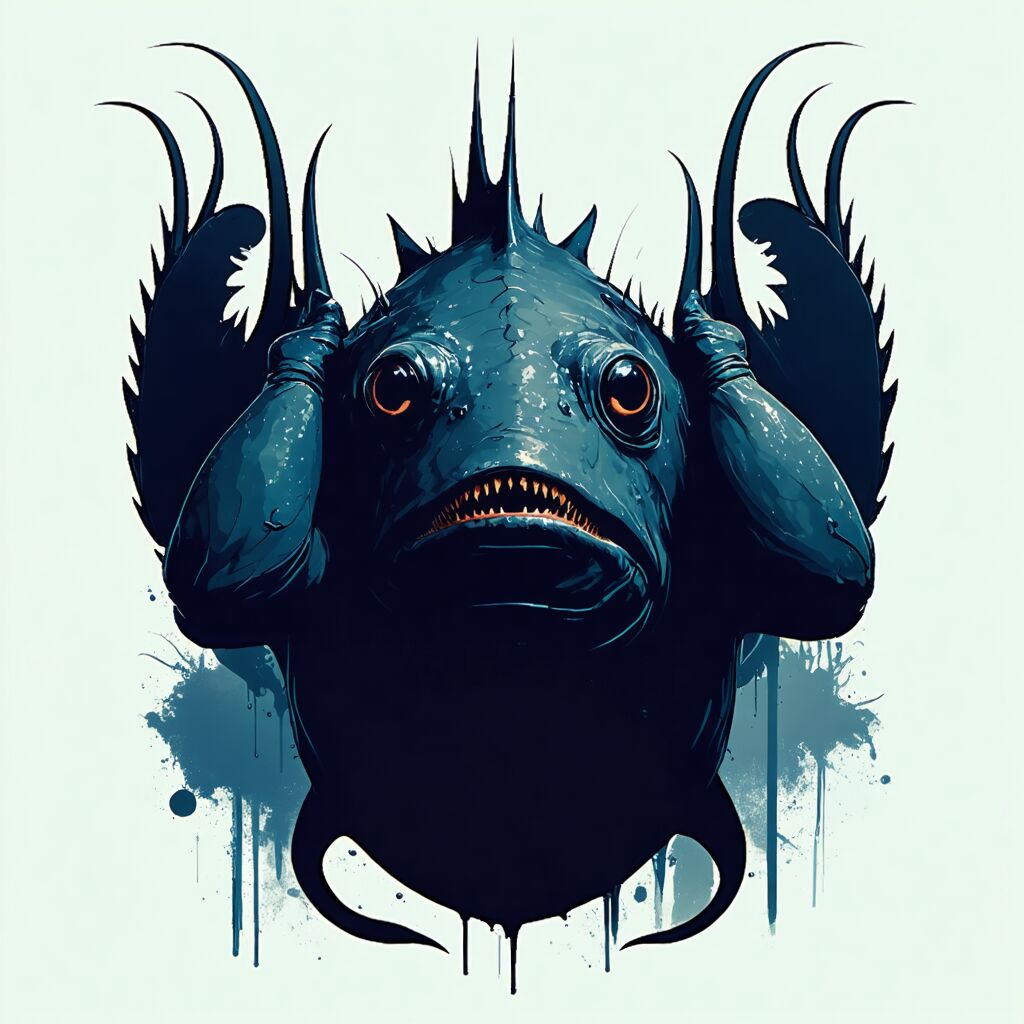
Every filesystem and shell request your agent makes is intercepted and executed inside the container — never on your real machine.

Declare your environment once: files to copy, mounts to create, scripts to run. Abyss provisions the whole thing for you, every time.
Learn more in the Docs.